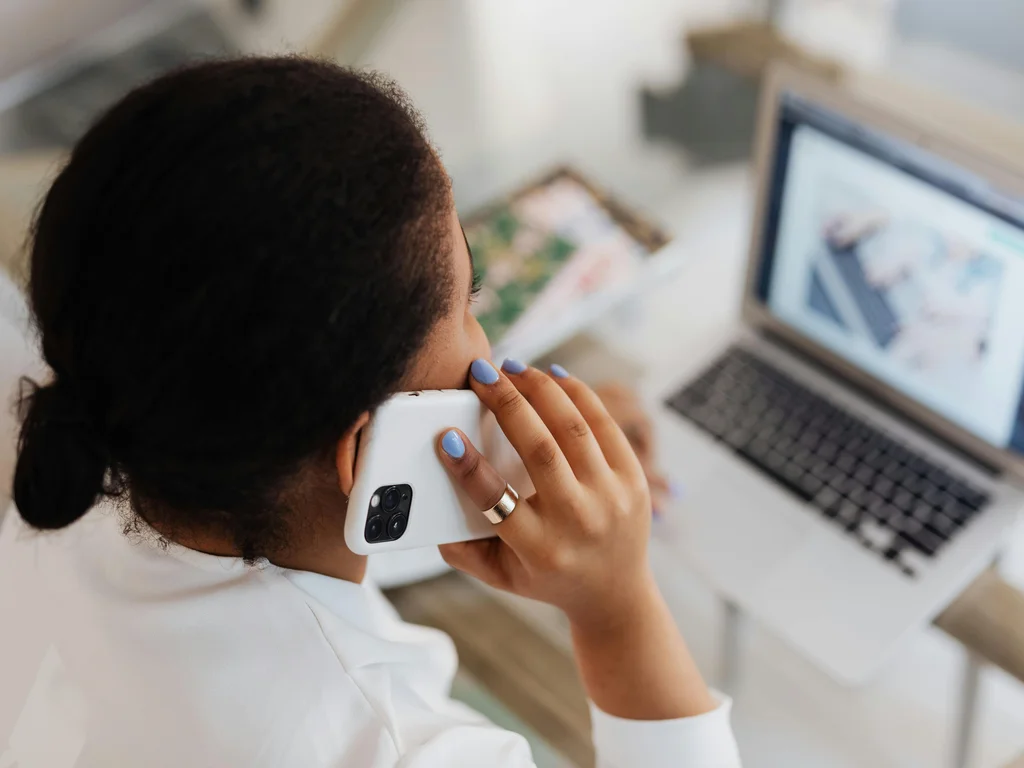

Look at the desk phone on your desk, if you still have one. When did it last ring? For many people it has become a gadget mostly gathering dust beside the screen, while the actual calls happen on the computer or the mobile.
Much as the camera once moved into the phone, the phone has now moved into the app. That is what a softphone is about, and it is why it is on its way to making the desk phone a memory.
A softphone is a software-based phone, an app on your computer or mobile, that lets you make and receive calls over the internet without a physical handset. You use your company number exactly as before, but the phone itself is software.
What is a softphone?
The word is a blend of "software" and "phone", in other words a software phone. Instead of a device with buttons, it is a program that shows a dial pad on the screen, with the same functions you are used to: call, answer, transfer, park and queue.
Because the calls travel over the internet, a softphone is built on the same underlying technology as VoIP for business. The difference is that the interface now sits where you already work, on the screen in front of you.
How does a softphone work?
You log in to the app on your computer or mobile, and there is your business phone. An incoming call appears as a notification, you answer with a click, and you often see who is calling and previous history straight away. It is the same experience whether you are at the office, at home or on the train.
Behind the app sits the company's phone system, which handles routing, queues and rules. The softphone is simply your personal way into the system, whatever the device.
What benefits does a softphone offer businesses?
The biggest gain is mobility. The number is no longer stuck in a device on a desk, it follows the person.
- Mobility: Make and take calls on the company number wherever you are, from the device you already use.
- Lower cost: No desk phone to buy, replace or repair.
- Unified interface: Calls, contacts, history and customer info on the same screen as the rest of your work.
- Easy administration: A new employee gets their phone by logging in, not by waiting for a delivery.
For a company with hybrid or remote work, this is often the very thing that makes telephony work at all.
Softphone or desk phone, which should you choose?
It does not have to be either-or. Many workplaces use the softphone as standard and keep a few physical phones where they make sense, for example in a reception or a meeting room.
But for the large majority of staff who already sit in front of a screen all day, the softphone is the natural first choice. It does the same job, takes up less space and costs less.
How softphones work with Lynes
At Lynes the softphone is part of the business phone system, not a separate app to keep track of. You get the same number, the same features and the same overview whether you are at the computer or out with your mobile.
And because everything is connected, an AI receptionist can take the calls you cannot get to, handle the common questions and hand over with context when needed. The software phone then becomes not just a replacement for the desk phone, but an upgrade.
Frequently asked questions about softphones
Do I need a special phone for a softphone?
No. A softphone works on devices you already have: computer, mobile or tablet. All you need is the app and an internet connection, plus ideally a headset for better audio.
Is the audio quality as good as on a regular phone?
Yes, usually better. With a modern connection and a headset, the audio on a softphone is at least as good as on a traditional desk phone, and calls require surprisingly little bandwidth.
Can several people share the same number on a softphone?
Yes. Through answer groups, an incoming call can reach several employees' softphones at once, so whoever is free can answer. It is the phone system that controls the distribution.
Does a softphone work offline?
No, a softphone requires an internet connection because the calls travel over the network. However, calls can be diverted to an ordinary mobile number if the connection drops.
TL;DR
Just as the camera once disappeared into the phone, the phone has now disappeared into the app. A softphone turns the business phone into something you carry with you rather than something gathering dust on a desk, and it does so more cheaply and more smoothly into the bargain.
Want to see how it would work for your team? Read more about Lynes telephony and see how the softphone fits in.